// npm i @ai-sdk/openai@^1 ai@^4 zod

import { createOpenAI } from '@ai-sdk/openai';
import { createDataStreamResponse, streamText, tool, convertToCoreMessages } from 'ai';
import { z } from 'zod';

const my_model = createOpenAI({
baseURL: process.env.BASE_URL!,
apiKey: process.env.LIARA_API_KEY!,
});

export async function POST(req: Request) {
const { messages } = await req.json();

return createDataStreamResponse({
  execute: async dataStream => {
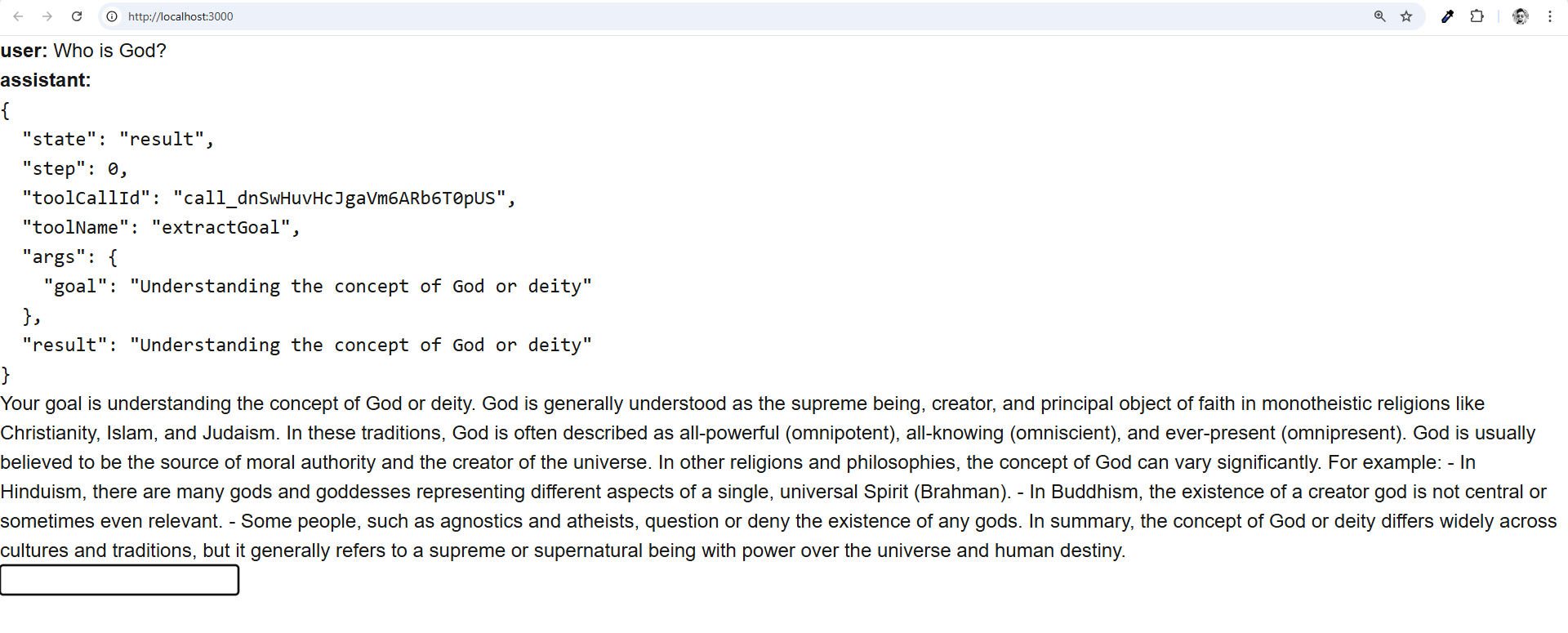
    // step 1 example: forced tool call
    const result1 = streamText({
      model: my_model('openai/gpt-4o-mini', { structuredOutputs: true }),
      system: 'Extract the user goal from the conversation.',
      messages,
      toolChoice: 'required', // force the model to call a tool
      tools: {
        extractGoal: tool({
          parameters: z.object({ goal: z.string() }),
          execute: async ({ goal }) => goal, // no-op extract tool
        }),
      },
    });

    // forward the initial result to the client without the finish event:
    result1.mergeIntoDataStream(dataStream, {
      experimental_sendFinish: false, // omit the finish event
    });

    // note: you can use any programming construct here, e.g. if-else, loops, etc.
    // workflow programming is normal programming with this approach.

    // example: continue stream with forced tool call from previous step
    const result2 = streamText({
      // different system prompt, different model, no tools:
      model: my_model('openai/gpt-4.1'),
      system:
        'You are a helpful assistant with a different system prompt. Repeat the extract user goal in your answer.',
      // continue the workflow stream with the messages from the previous step:
      messages: [
        ...convertToCoreMessages(messages),
        ...(await result1.response).messages,
      ],
    });

    // forward the 2nd result to the client (incl. the finish event):
    result2.mergeIntoDataStream(dataStream, {
      experimental_sendStart: false, // omit the start event
    });
  },
});
}